Overview
This procedure outlines how to inspect, modify, or retrieve files that have been isolated within the Sentinel Anti-malware quarantine.
Procedure
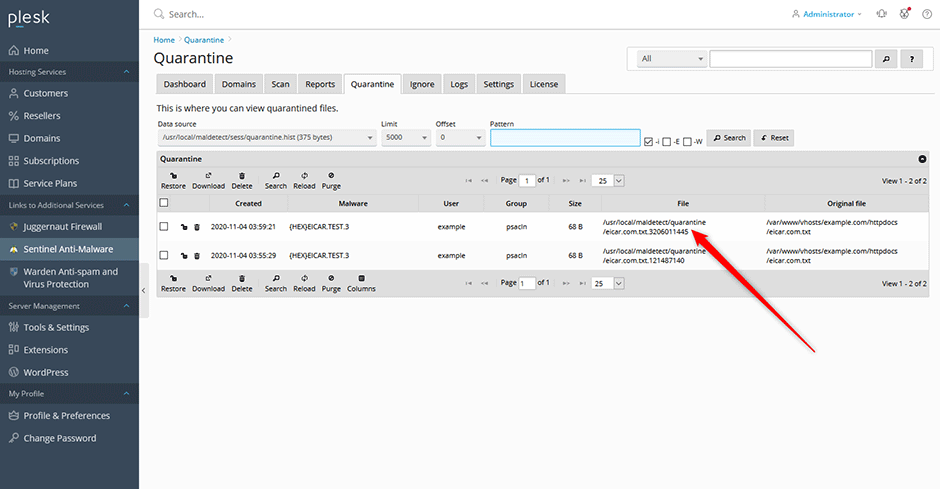
- Navigate to Sentinel Anti-malware > Quarantine.
- In the file grid, click the entry corresponding to the file you wish to inspect.
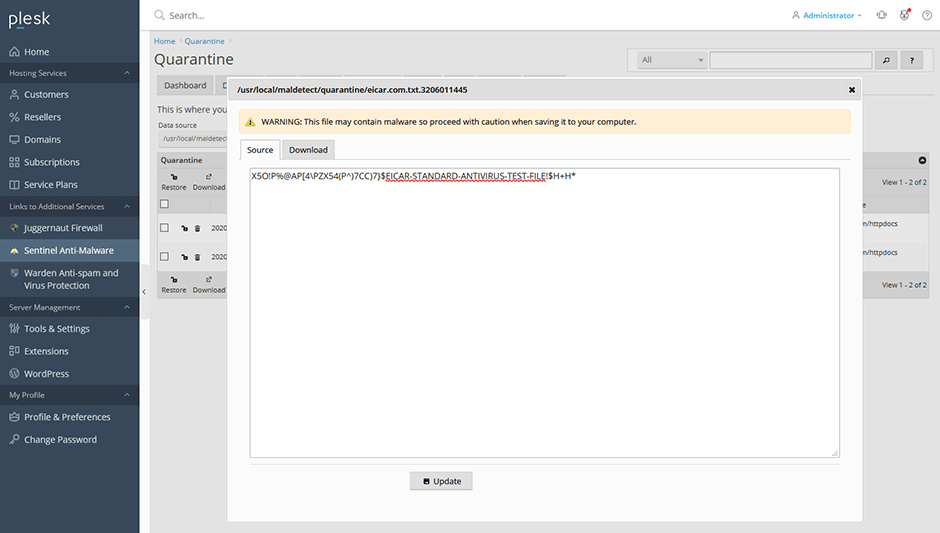
- A popup window will display. Use this interface to view or edit the source code, or download the file to your local system.